

Free for 1 hour a day, forever · No card needed
Free for 1 hour a day, forever · No card needed
No scripts and no code. Do a task for a few minutes; Genesis builds a private bot that reads the screen, decides what to do next, and moves with your biometric profile.

Install the environment for your game (OSRS and RS3 are ready-made), press Calibrate and play normally for a few minutes. Genesis records what you clicked, what was on screen and how you moved.

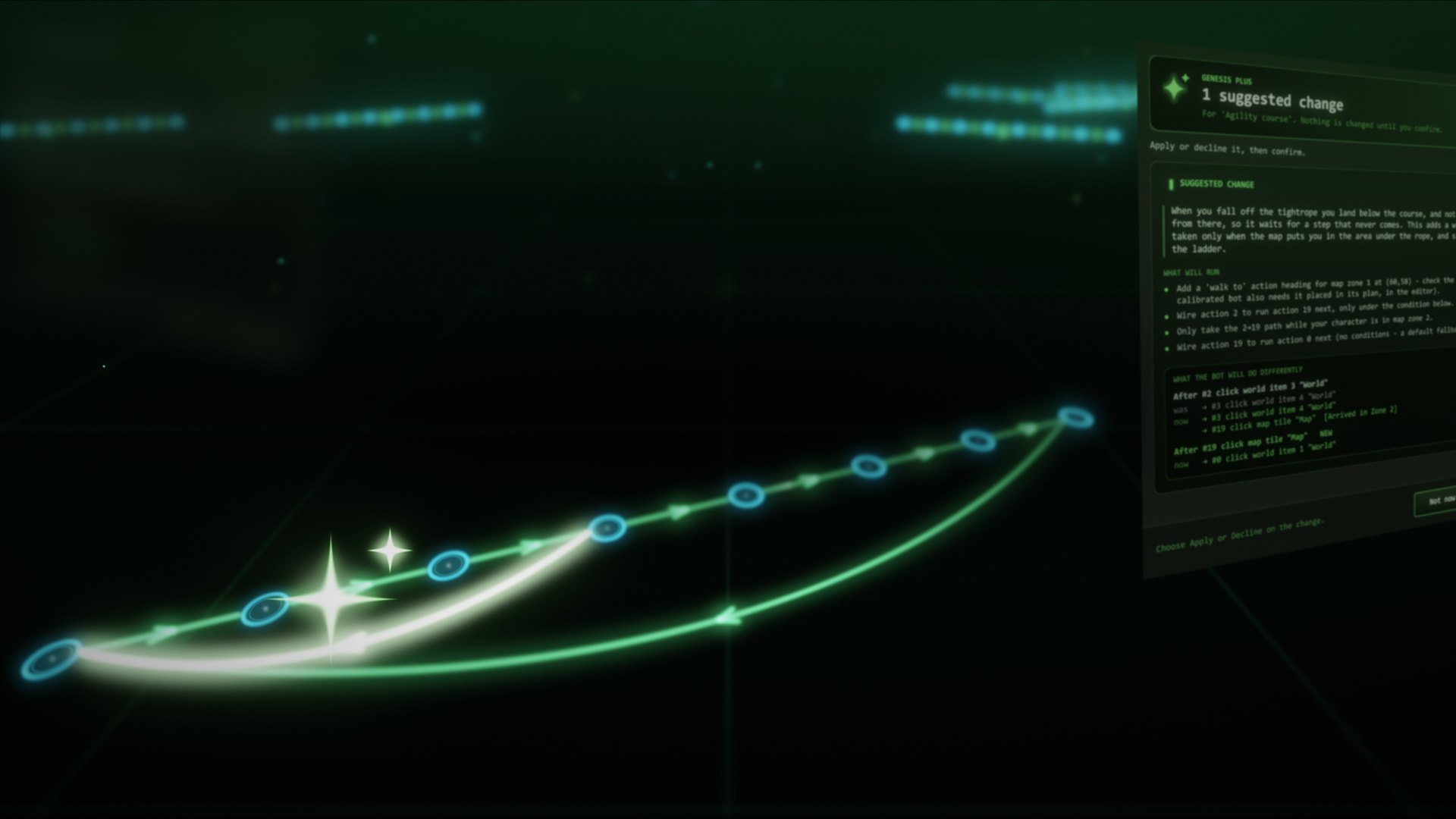
Your recording becomes a bot: its actions and the signs that lead from one to the next. Change anything in the visual editor, or ask the AI assistant in plain English.

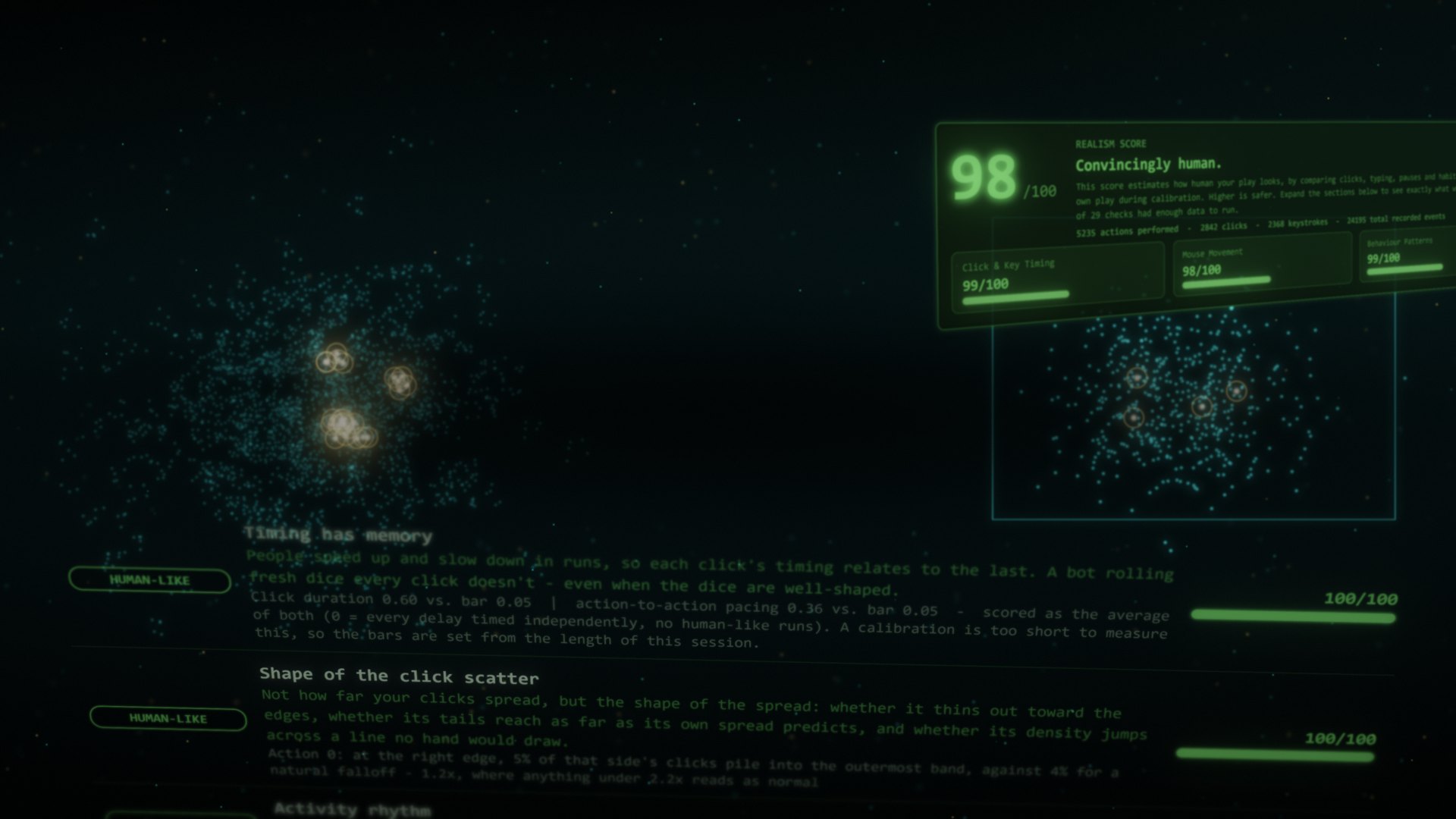
Every move, click and pause is generated fresh from a profile of your own play, never replayed from the recording. It takes breaks and tires over a long session, and a dashboard scores every run against how you played.
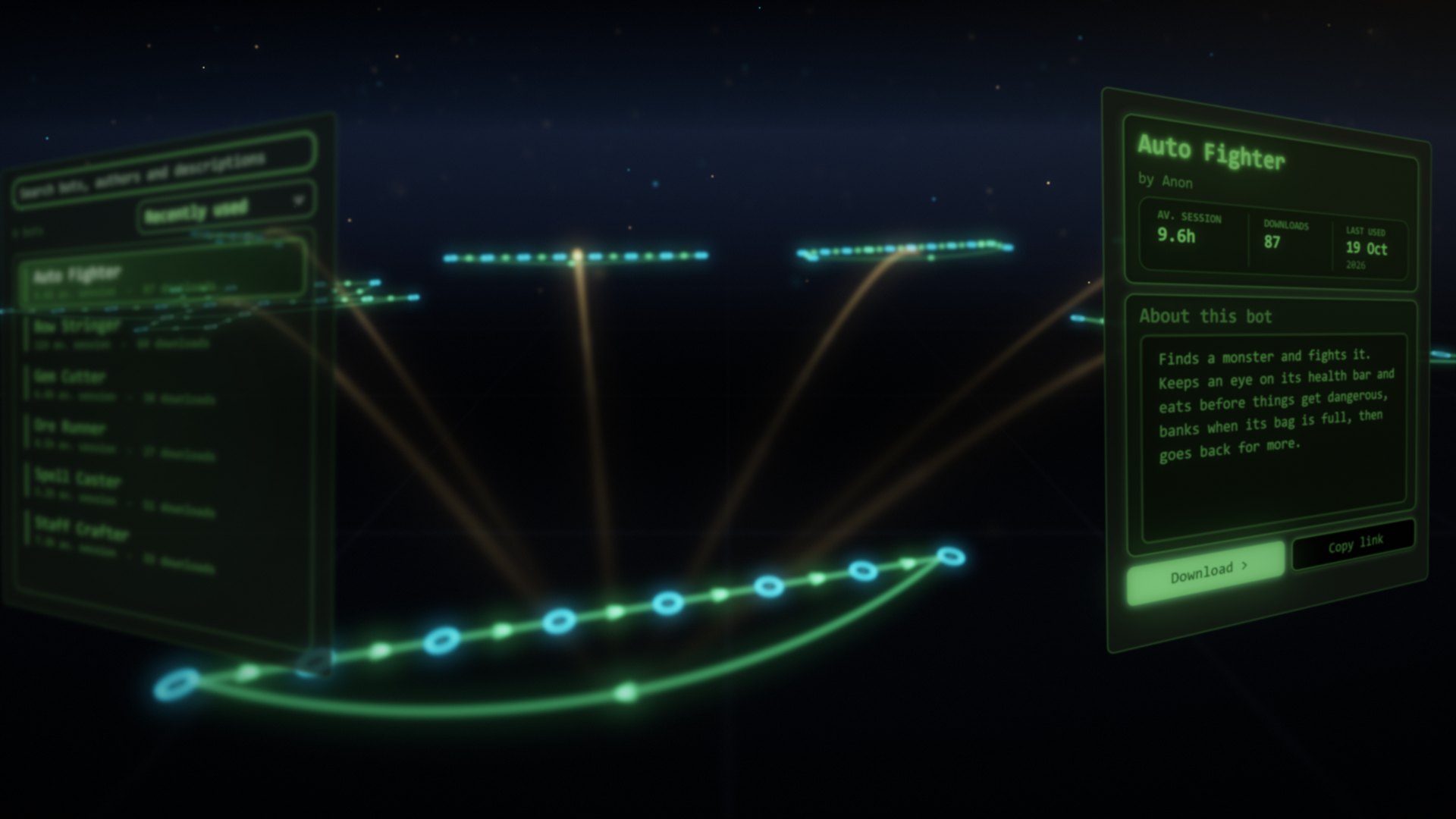
Rather not record your own? Download a ready-made bot from the library. More on how Genesis works →

Every move comes from real human movement, shaped by your calibration: your speed, where you click and how long you hold.
How Genesis works →
A dashboard scores each run against how you played, across 29 checks, and warns you before you start if something looks off.

AI that explains why a run stopped, edits your bots and can step in to save a session. Nothing changes until you confirm.
More about the AI →
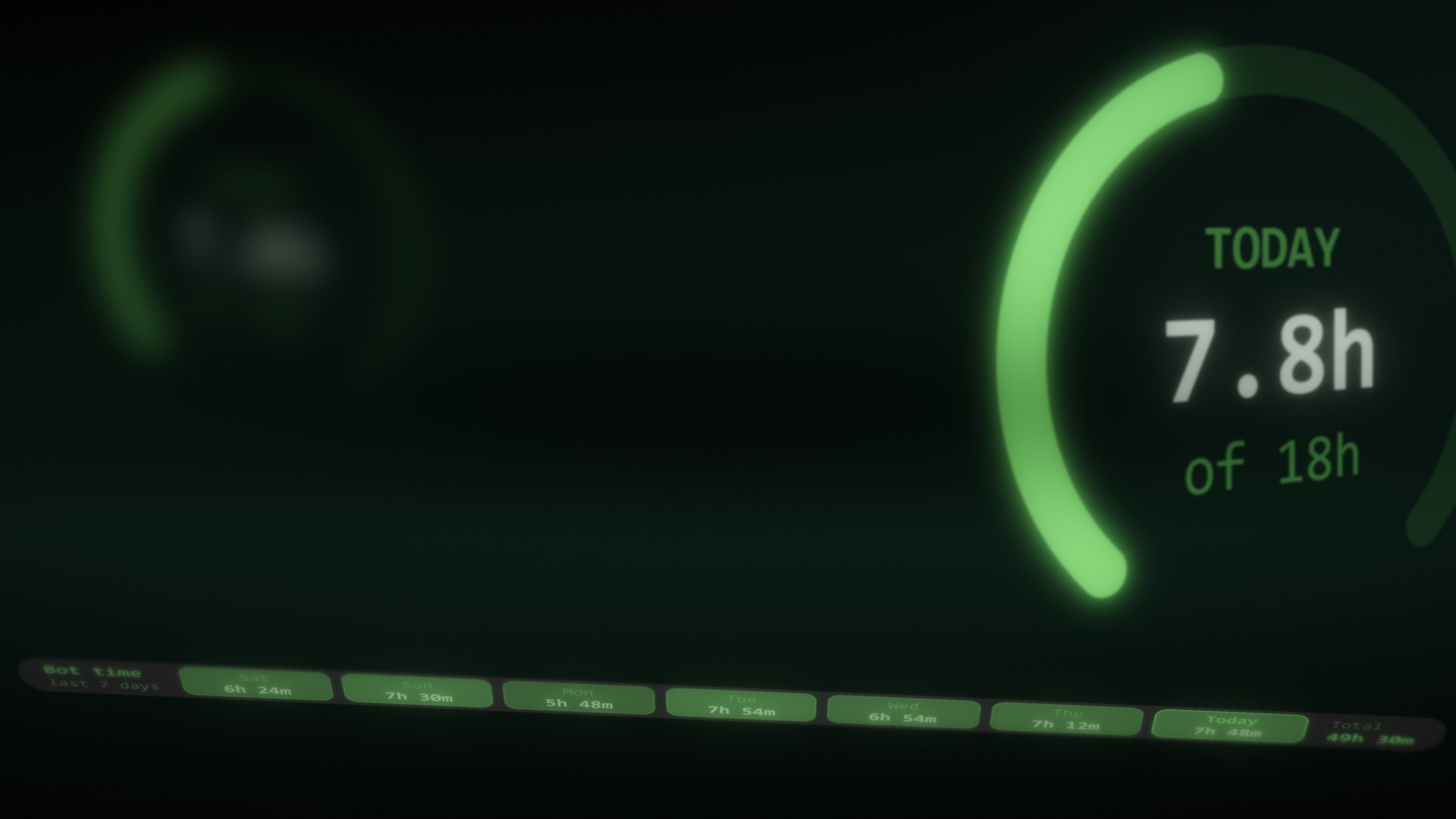
Queue bots and breaks into a plan. Genesis also takes its own breaks and tires over a long session, as people do.
What’s new in Genesis 2 →
Genesis only looks at your screen and uses your mouse and keyboard. It never reads or changes anyone else’s software.
Why Genesis is still here →
The movement and decision code stays on our servers, and a bot you share never carries your biometric profile.
Want longer days or several bots at once? Paid plans give 6 to 72 hours a day, from £3.33 a month. See pricing
Questions first? Read how Genesis works or the guide.
Takes under a minute. No card needed.